
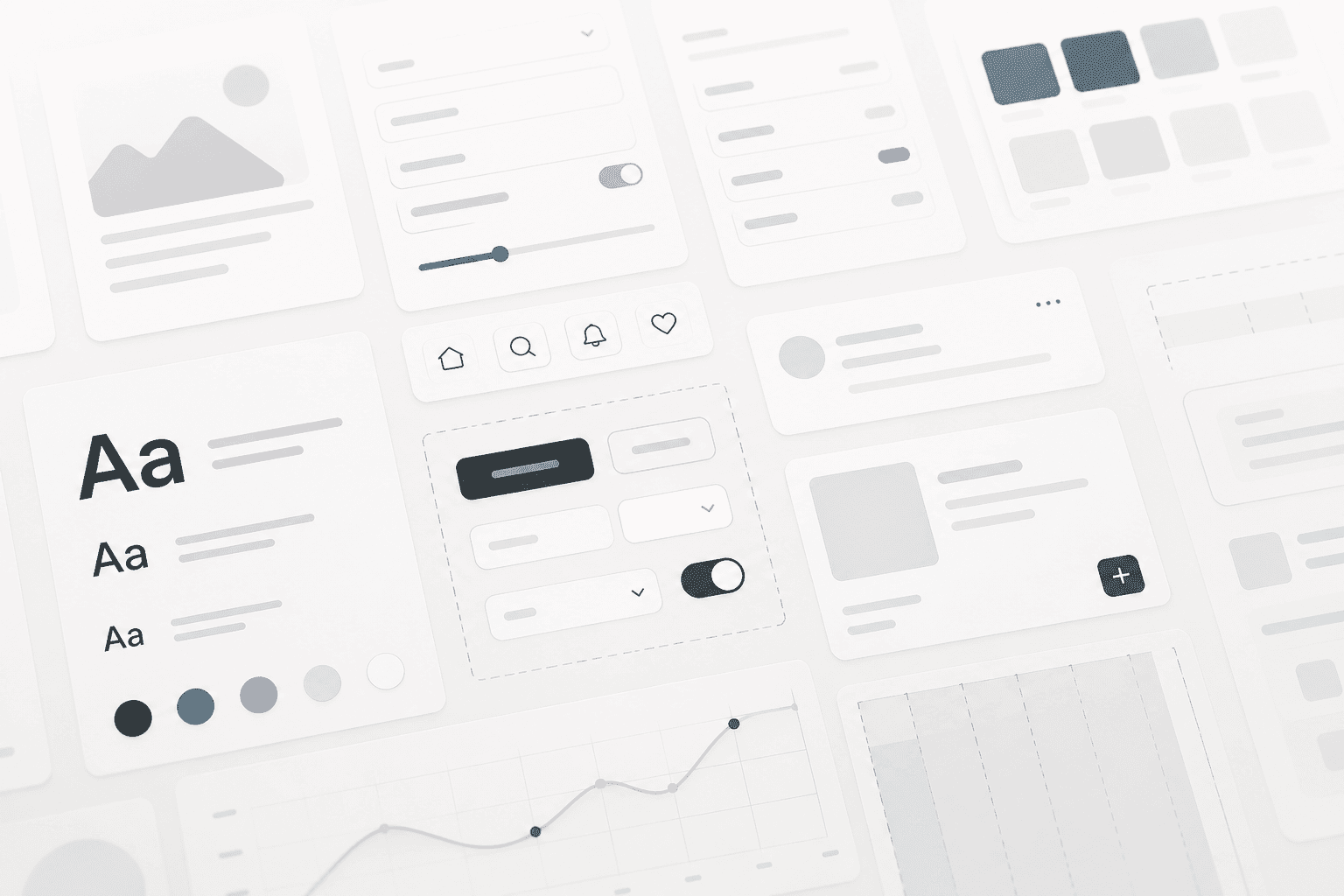
A design system is not a Figma file that ships once. It is the agreement between design and engineering about how the product should look, behave, and evolve—backed by components people actually import.
The systems that last are boring to operate, easy to extend, and honest about what is experimental versus stable.
Tokens first, then components
Color, type, spacing, and elevation should be expressed as tokens before you build dozens of button variants.
Name tokens by role rather than by hex, so semantics stay stable when palettes change.
Components should match how products are built
Primitives plus a small set of composed patterns often beat a hundred slightly different cards.
Accessibility belongs in the component API from day one.
- Ship a changelog with every package release.
- Deprecate with timelines and migration snippets.
- Let product teams propose additions through RFCs.
Documentation people read
Developers search for copy-paste examples. Designers need rationale and when not to use a pattern.
Closing the loop
Measure adoption: which components are imported and where one-off styles leak.
Brixol helps teams tighten tokens and harden components without slowing delivery. Reach out if you want a practical roadmap.
/Keep reading
Related articles

What is agentic AI and when should your business use it?
A practical guide to autonomous AI agents—what they do well, where they fall short, and how to evaluate fit for your operations.
Read article
Scaling APIs for sustainable growth
Patterns we use to keep latency low and reliability high as traffic and teams grow.
Read article
How to choose a software development agency
What to evaluate before you sign—delivery model, technical depth, communication, and fit for long-term product work.
Read article